Login
Access your CTWise dashboard to manage API keys, test endpoints, and monitor usage.
Logging In
Step 1: Navigate to the Dashboard
Go to:
https://app.orchestraprime.ai
Step 2: Enter Your Credentials
- Enter your email address (the one used during registration)
- Enter your password
- Click Sign In
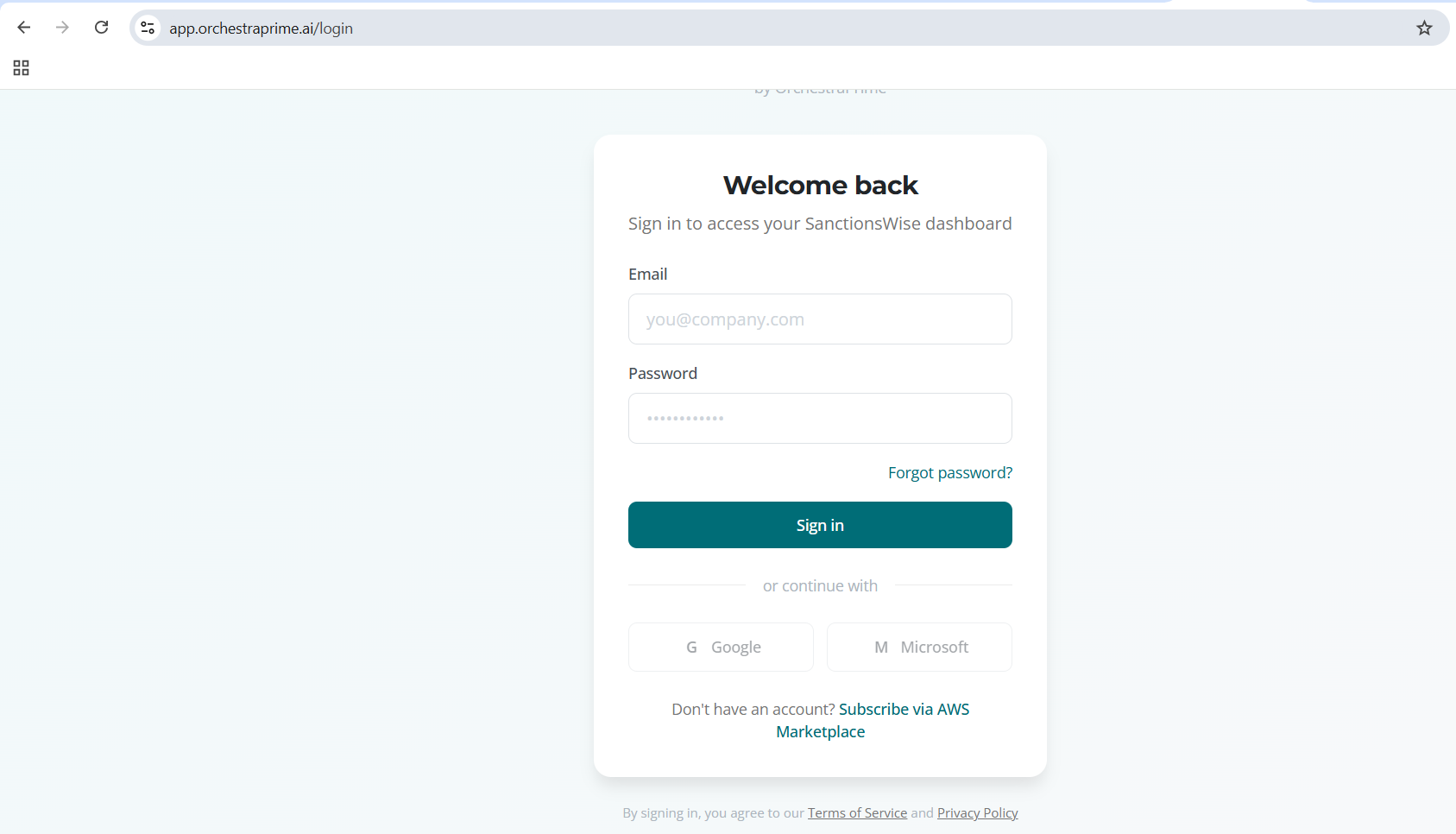
Step 3: Select Product
After logging in, select CTWise from the product selector if prompted.
Password Requirements
Your password must meet these requirements:
- Minimum 8 characters
- At least one uppercase letter (A-Z)
- At least one lowercase letter (a-z)
- At least one number (0-9)
- At least one special character (!@#$%^&*)
Forgot Password
If you've forgotten your password:
- Click Forgot Password? on the login page
- Enter your email address
- Click Send Reset Code
- Check your email for the verification code
- Enter the code and your new password
- Click Reset Password
Change Password
To change your password while logged in:
- Log in to your dashboard
- Click your profile icon in the top right
- Select Account Settings
- Click Change Password
- Enter your current password
- Enter and confirm your new password
- Click Update Password
Session Management
Session Duration
- Your session remains active for 24 hours
- Sessions automatically refresh while you're active
- You'll be logged out after 24 hours of inactivity
Multiple Devices
You can be logged in from multiple devices simultaneously. Each device maintains its own session.
Sign Out
To sign out:
- Click your profile icon in the top right
- Click Sign Out
Troubleshooting
Invalid Credentials
If you see "Invalid email or password":
- Verify your email address is correct
- Check that Caps Lock is not enabled
- Try resetting your password
Account Locked
After 5 failed login attempts, your account may be temporarily locked. Wait 15 minutes before trying again, or reset your password.
Email Not Found
If you see "Email not found":
- Verify you're using the email from registration
- Check if you registered with a different email
- If you haven't registered, complete registration first
Security Best Practices
- Use a strong, unique password - Don't reuse passwords from other sites
- Don't share your credentials - Each user should have their own account
- Log out on shared devices - Always sign out when using shared computers
- Keep your email secure - Your email is used for password resets